Why macOS Night Shift only warms your main display
The technical reason external monitors stay blue at night — and why Apple still hasn't shipped a fix after years of bug reports.
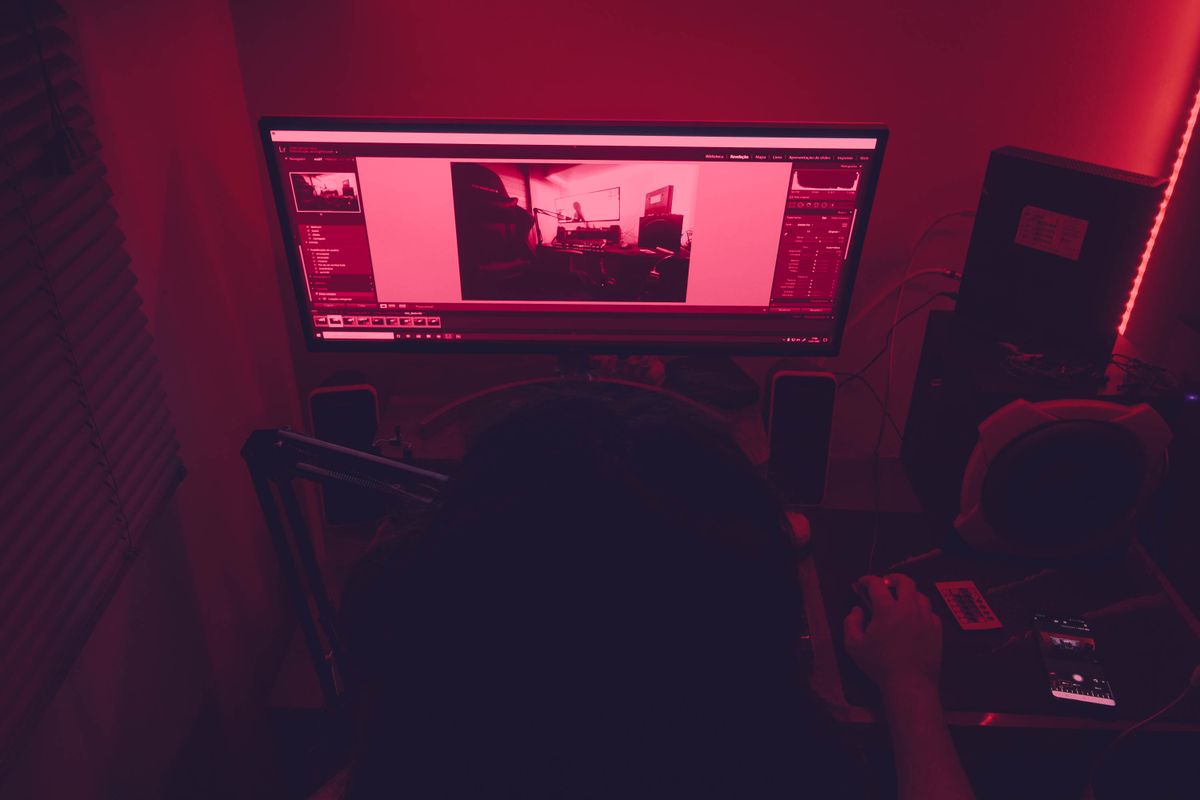
A dual-monitor desk at night: the built-in panel warms, the external does not.
The symptom everyone notices
You enable Night Shift, your MacBook's built-in screen slides into a warm amber, and the external monitor sitting right next to it stays a cold, clinical blue. If you run two displays, half your field of view is still blasting daylight-balanced light into your eyes.
It's one of the most reported, least fixed annoyances in macOS — and it has nothing to do with your cable or your monitor brand.
Why it actually happens
Night Shift works by nudging the color-transform (gamma) tables that macOS applies to a display. Apple ties that transform tightly to the internal panel, where it controls the backlight and color pipeline end to end.
External displays are a different story. Connected over HDMI, DisplayPort, or USB-C, they're driven partly by the monitor's own firmware, and macOS doesn't reliably push the Night Shift transform all the way out to them. On many setups it simply doesn't apply at all.
Why Apple hasn't fixed it
The bug has been filed for years. It sits at the messy intersection of hundreds of third-party monitors, varying connection standards, and a feature Apple designed around its own hardware. That combination keeps it low on the priority list.
In practice, waiting for an OS fix hasn't worked — so the reliable path is a small tool that applies warmth uniformly to every display.
What actually works
A system-wide warmth utility bypasses the built-in-only limitation by applying a software color transform to all connected displays at once. That's exactly what Nightwarm does: one warmth value, every screen, in sync.
No per-monitor calibration, no color-science homework — the external monitor warms to the same temperature as your MacBook, and stays there on schedule.