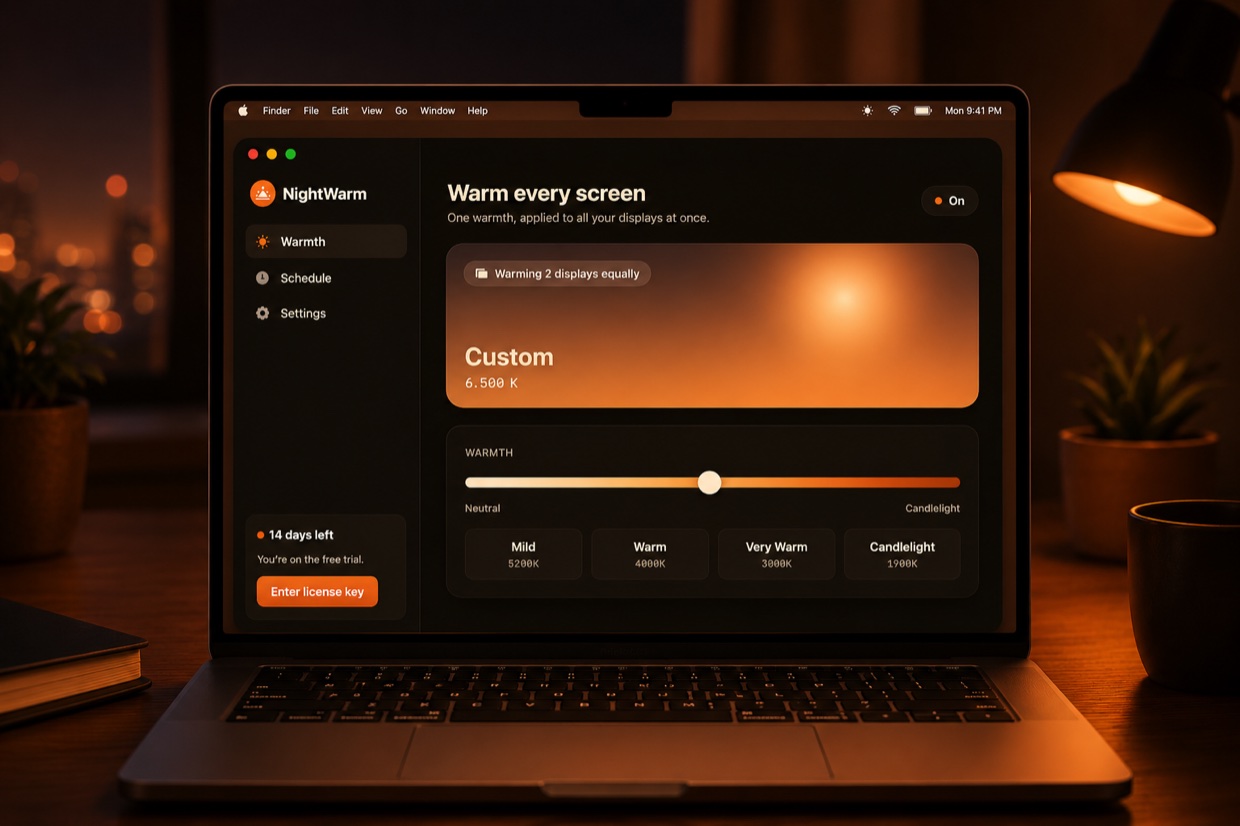
macOS only warms your built-in screen and leaves external monitors blazing blue. Nightwarm applies one warmth to all your displays at once — so your eyes stop paying for Apple's oversight.

It's a known, long-standing limitation: macOS Night Shift warms the built-in display, but external monitors stay on cold, sleep-wrecking blue. If you work on dual monitors, half your field of view is still flooding your retinas with blue light every night.
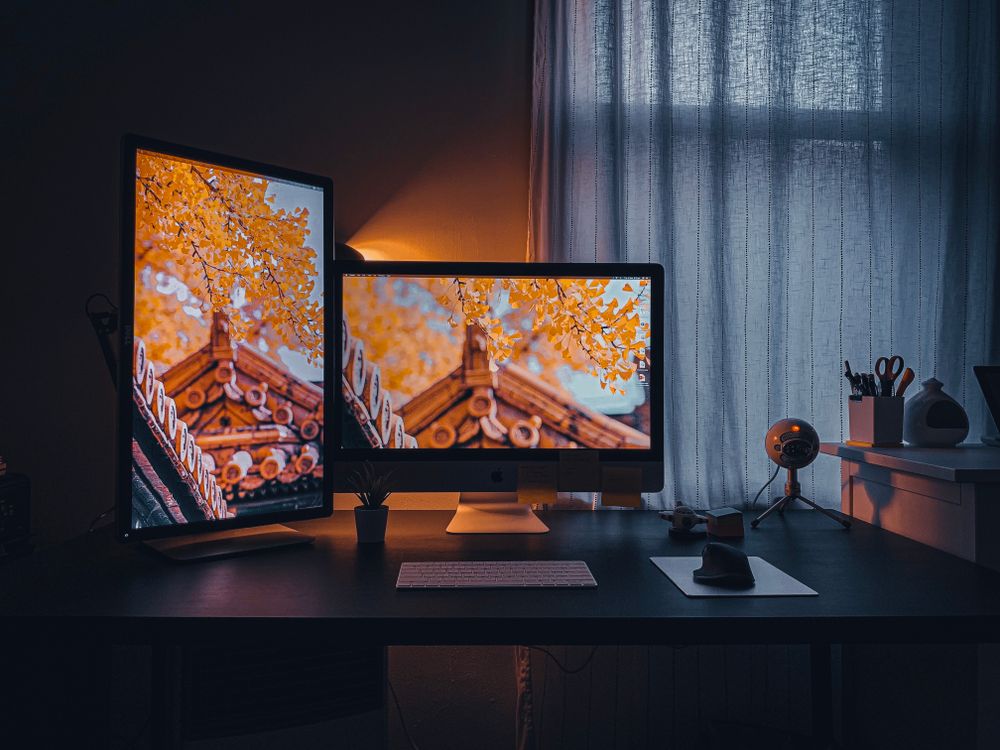
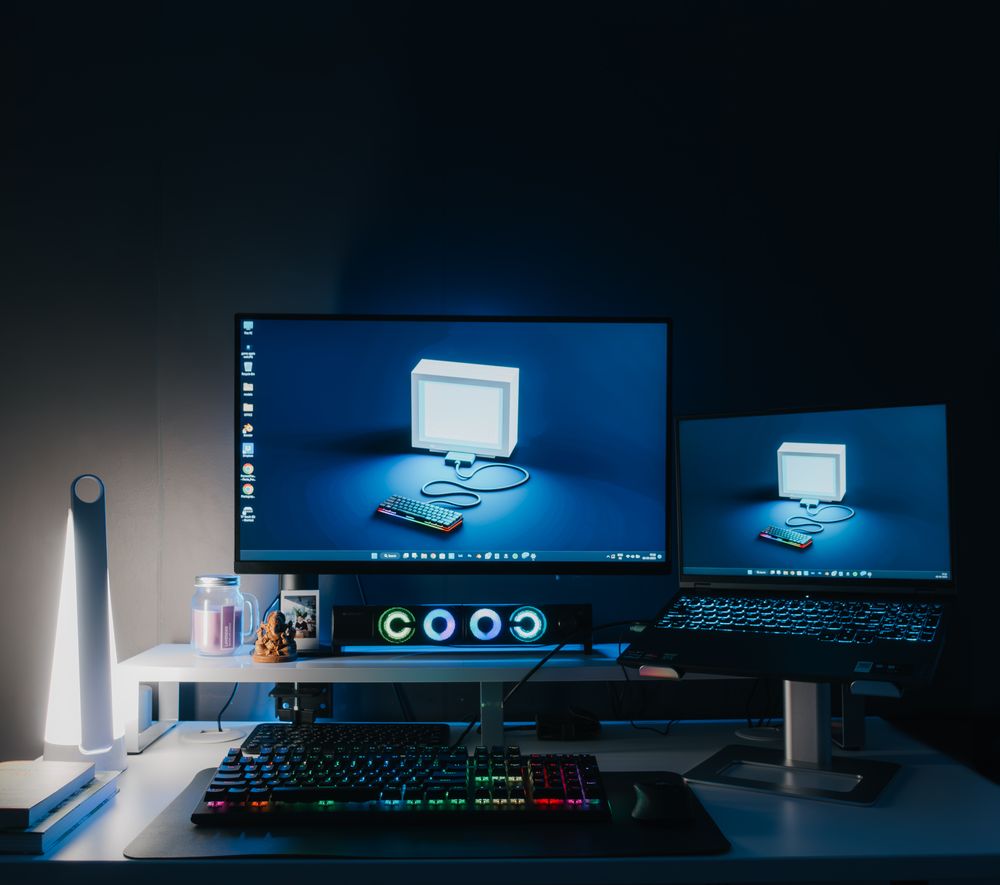
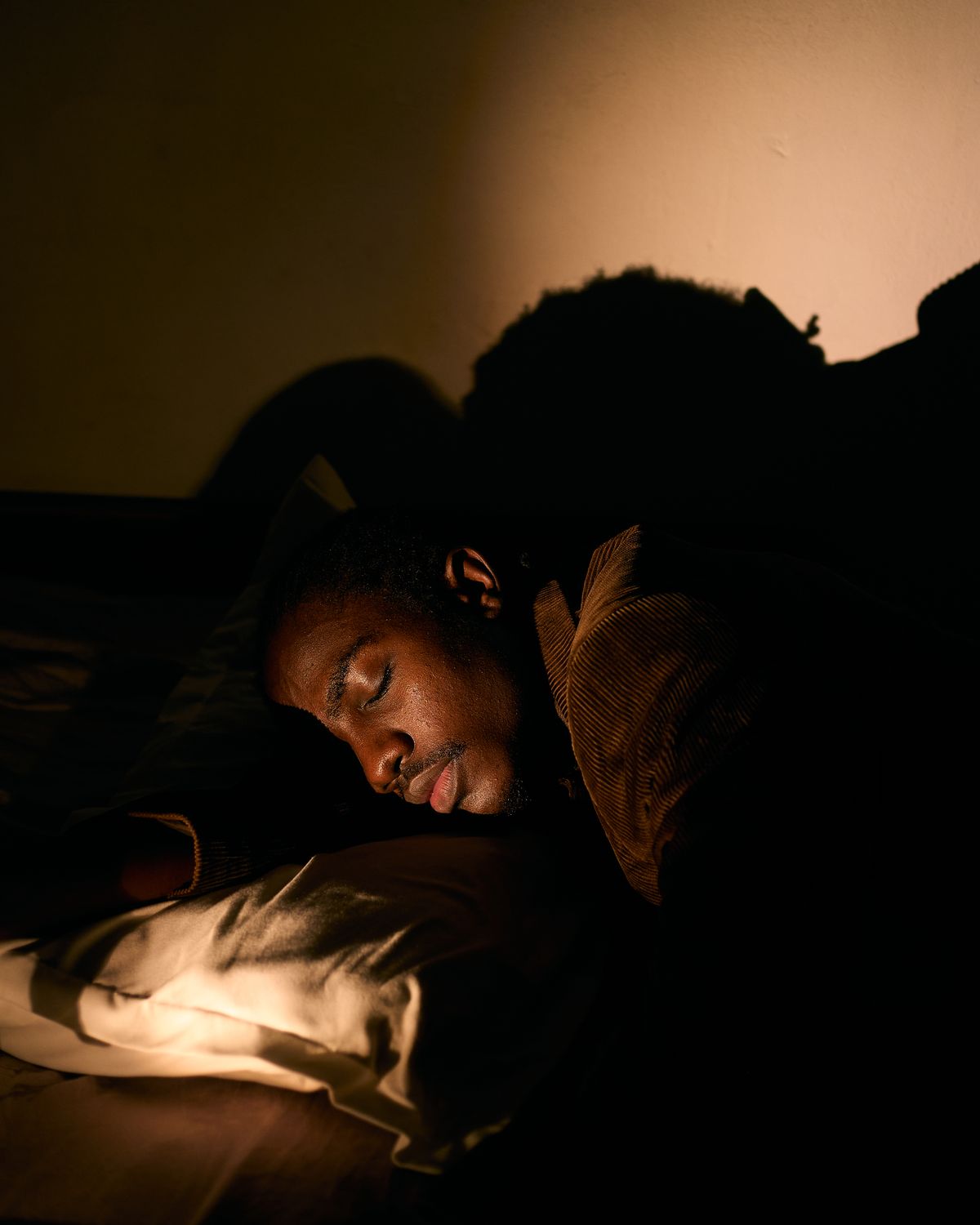
≈ 3400K warm
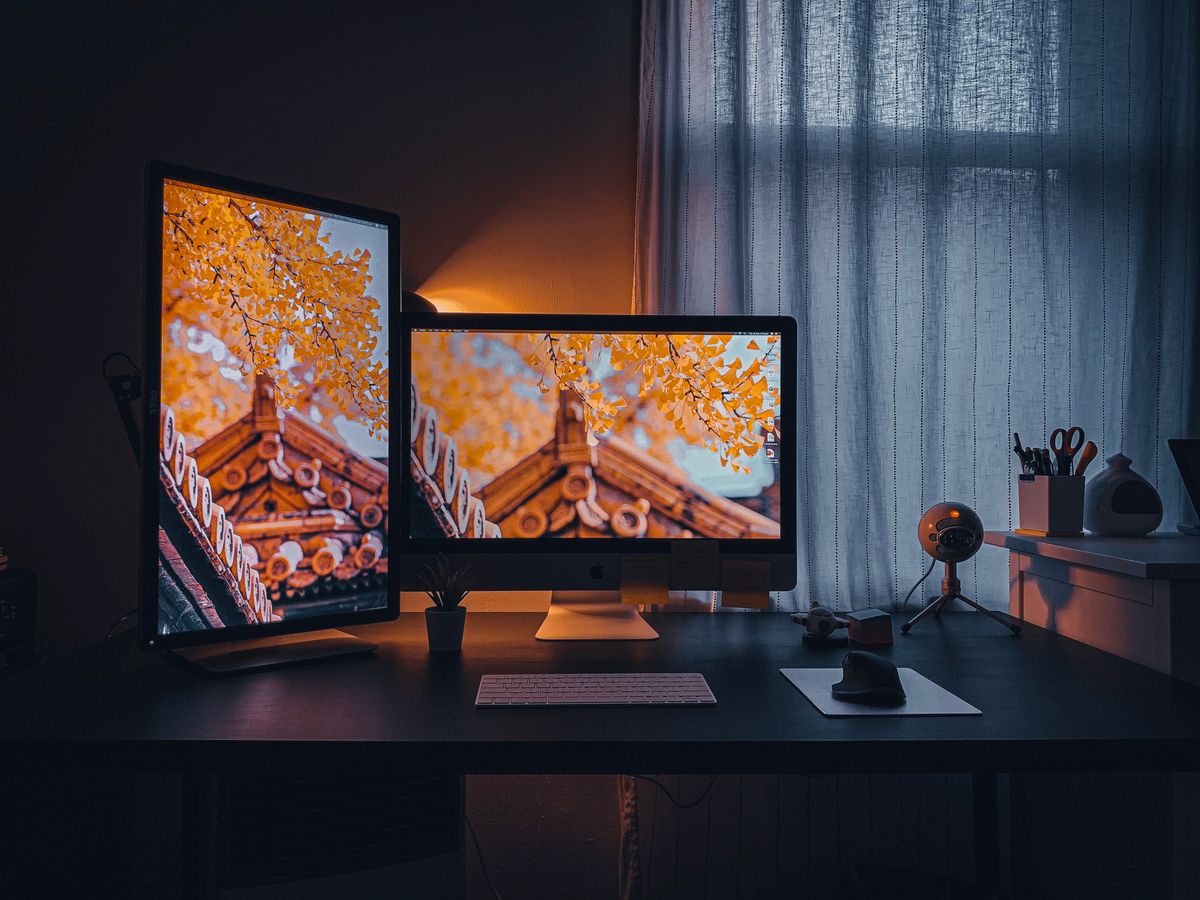
≈ 6500K coldSame desk, same schedule — two completely different color temperatures.
A tiny app that reaches every connected display directly — no per-monitor fiddling, no color science degree required.
One warmth value applied to all connected monitors at once — built-in, external, HDMI, USB-C, it doesn't matter.
Slide from neutral 6500K down to 1900K candlelight, or tap a preset. What Night Shift should have been.
Ramp warmth automatically at your local sunset and ease off at dawn. Set it once and forget it.
A tiny notarized app. No background telemetry, no accounts, no Electron. Just warmth.
Plug in a new monitor and it's warmed within a second — no manual calibration per screen.
Runs entirely on-device. Your license is validated once; nothing about your usage ever leaves your Mac.
Lunar is powerful but pricey and complex. MonitorControl is free but won't sync Night Shift's color temperature. Nightwarm does one job perfectly.
Competitor pricing and features as of July 2026. Nightwarm is not affiliated with Lunar or MonitorControl.
Practical guides on blue light, macOS display quirks, and protecting your sleep — the reading that brought you here.

The technical reason external monitors stay blue — and why Apple still hasn't shipped a fix.

Melatonin, circadian rhythm, and screen exposure at night — separating the science from the hype.

A step-by-step walkthrough to get consistent warm color across every screen on your desk.
No subscription, no account, no upsells. Buy Nightwarm once and it warms every display you'll ever plug in.